Calculators, planners and trackers
AION 2 Player Tools
Track character systems. Each tool will be reviewed as an independent system.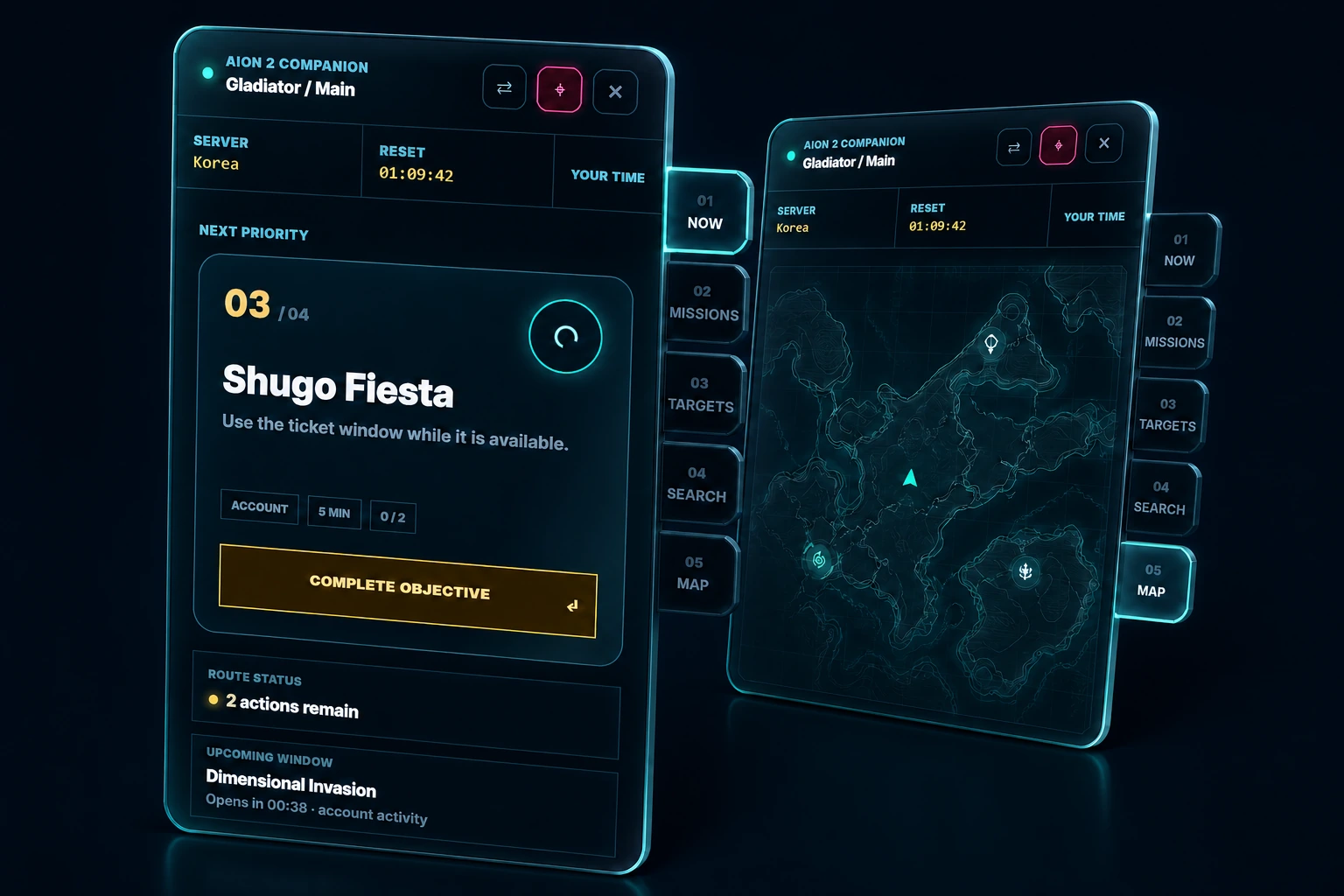
Gamer Companion
Know what to do next, what you still need, and where to go. Keep six connected tabs beside your game.
- NOW
- Focus on your next task and add progress while you play.
- MISSIONS
- Add, edit and copy tasks between characters.
- TARGETS
- Track gear, goals, materials and known sources.
- SEARCH
- Look up Wiki details without creating a task.
- MAP
- Follow saved destinations and routes for your goals.
- SIMS
- View a sent Daevanion board in a separate, pinnable window.
TARGETS → MISSIONS → NOW → MAPChoose a goal, turn a known source into a mission, focus on the next task, and open its map location when available.
Keep plans for your main and alts. Edit simulator plans on the website; view them in the desktop app.
Build Planner
Enter your own equipment, skills, Arcana and character systems, then change the build to compare the resulting stats and skill levels.
Open tool ›
Arcana Guide
Browse the Global Arcana cards, set effects and Transmute costs. Enter your own cards in the Build Planner to see their effect on your character.
Open tool ›
Pantheon Guide
Learn how Divine Stat points change character stats, explore the Global decoration catalog and its indexed sources, then place your own pieces in Build Planner.
Open tool ›Pantheon Collection Tracker
Mark collected Artworks and Statues and see what remains. Place pieces and enter their in-game effect points in Build Planner to calculate stats.
Open tool ›
Gear Family Finder
Filter matching catalog families by slot, grade, and faction while unpublished set IDs and threshold bonuses remain withheld.
Open tool ›